AI Local Notice
The local AI notice pattern ensures users are informed when content is AI-generated, prompting them to verify its accuracy before use. This guideline is mandatory for all user interfaces involving AI-generated or AI-edited information.
Usage
Mandatory for marking AI-generated content in high and very high impact decision scenarios.
Do:
- Use to explicitly mark content areas containing AI-generated information.
- Use the read-only notice if there is no tooltip.
- Use the interactive notice with progressive disclosure if additional information is required.
Don't:
- Don't use for purposes other than disclosing the standard AI notice label.
- Don't use to mark non-AI-related content.
Variants
Interactive AI Notice Text
Recommended for all applications with high and very high impact decision scenarios. Enables progressive disclosure through a popover.
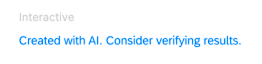
Read-only AI Notice Text
Use to meet basic labeling requirements when no further details on validation can be provided.

Placement
Limit to one instance per screen to avoid redundancy. Place next to the lowest possible hierarchical title element that contains all AI results.
Examples:
- AI-generated text in a field → notice under the input field or textarea.
- Several similar AI-generated assets close together → notice next to the section title.
- AI-generated content across multiple sections → notice next to the object title.
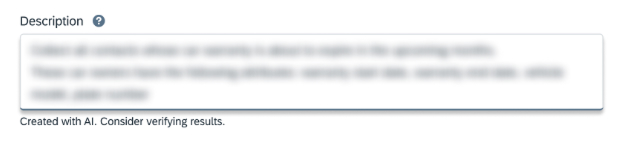
On top of content area (high–very high impact): between the section header and the content area.
At the end of content area (low–medium impact): in the footer of the AI results area.
Progressive Disclosure
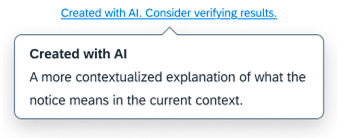
Level 1 — Tooltip
Provides a contextualized explanation of what the notice means. Can be adjusted to fit the context.
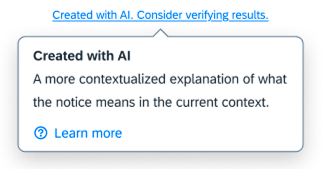
Level 2 — Tooltip with Link
Contains a link to a dedicated page for further information.
Responsive Behavior
The AI notice label must never be truncated — it must always be fully readable. Use breakpoints to show longer or shorter variants to accommodate limited space.

