Error Handling Guidelines
"Established wisdom holds that good error messages are polite, precise, and constructive. The Web brings a few new guidelines: Make error messages clearly visible, reduce the work required to fix the problem, and educate users along the way."
— Jakob Nielsen
What Is an Error?
An error is an event that stops the system from completing a task, typically resulting in undesired outcomes for the user. When the system encounters an error, it displays an error message to notify the user. Optimally, the error message also describes the reason for the error and guides the user to resolve it.
Error Prevention
Try to prevent the error from occurring in the first place:
- Educate the user and remove memory burdens:
- Use helper text near input fields to communicate validation-critical info.
- Limit input to force valid formatting.
- Use placeholder text inside inputs.
- Disable submit buttons until the form is valid.
- Explain concepts using tooltips.
- Be forgiving when accepting input formats (dates, phone numbers, etc.).
- Ask for confirmation before actions that may lead to errors (e.g. confirmation dialogs).
How to Create an Error Message
Be in context:
- Validate as soon as possible — e.g. after the user finishes filling in an input.
- If possible, indicate erroneous elements even if they are out of view (e.g. use a floating Notification).
Communicate clearly:
- Be precise and respectful when describing the issue.
- Keep the message short and simple without getting too technical. E.g. "Campaign name already in use. Please enter another one."
Use error style when available:
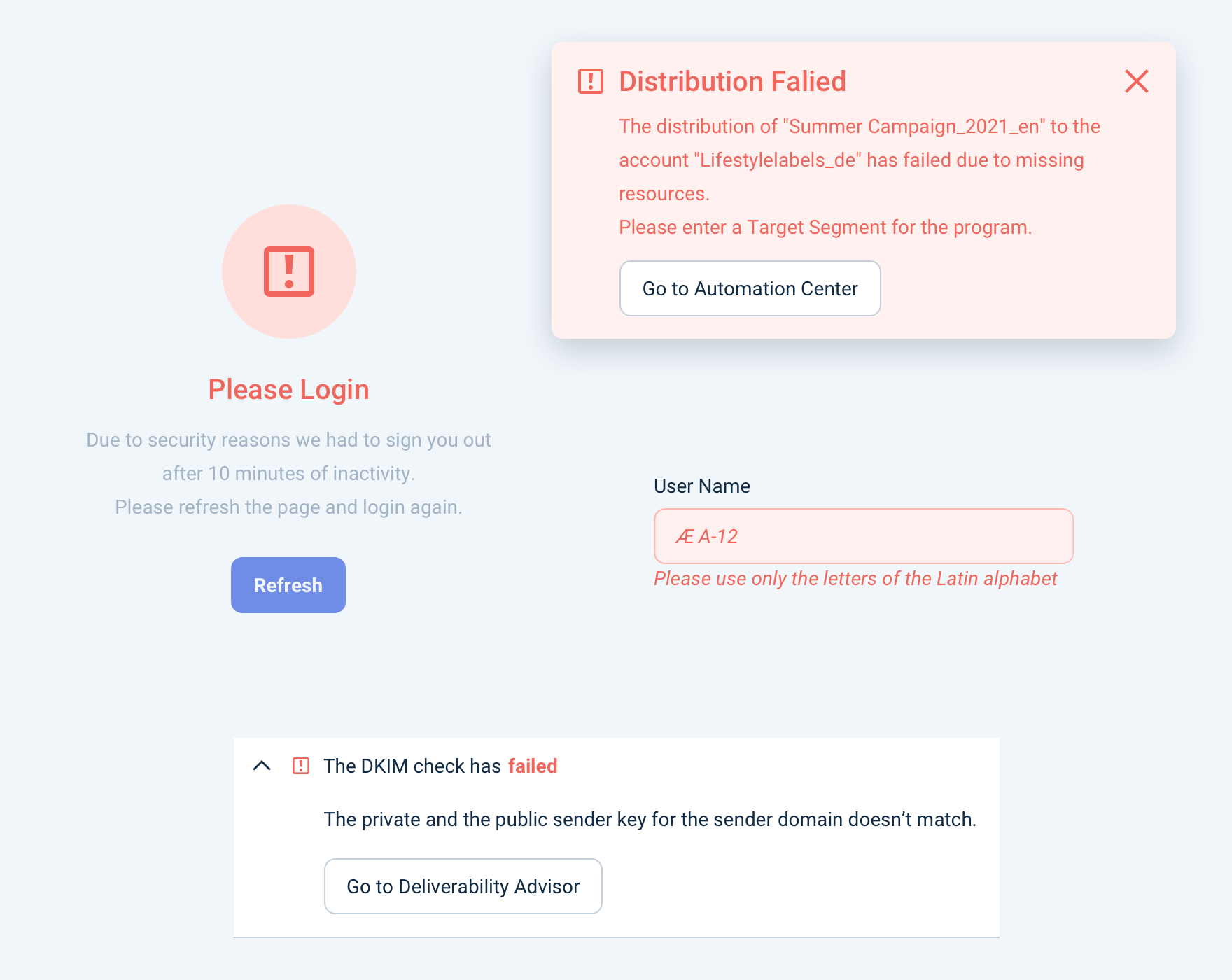
- Display the message in an error-styled component variant (e.g. Empty State with error style, Notification with error type, Field with error message, Validator with error status).
Be constructive and actionable:
- Suggest a solution (e.g. Retry, Learn more, Troubleshoot).
- Provide an "escape route" to a safe state (e.g. Undo, Cancel).
Be consistent:
- Align with other error messages in the Design System in appearance, behavior, phrasing, and tone.
Error vs Warning
Use Warning style to warn the user that something undesired might happen. Use Error style to display feedback when the system has already encountered an error.
Display warnings when:
- The user is about to do something with undesired consequences — e.g. "You're changing tags for multiple campaigns."
- The system is in a state that might result in undesired outcomes — e.g. "The campaign hasn't been scheduled yet."
Display errors when:
- The system encountered an error — e.g. "We couldn't add tags to the campaigns you selected."
Strong warning: For destructive actions (e.g. deleting a campaign), use a stronger warning style that looks similar to Error. Use the Destructive Confirmation Dialog component for these cases.