Elevation and Shadows
We visually elevate (raise) components from the base layer using shadows. Elevation implies the relationship between the elevated component and the base layout: whether it's part of the layout (Boxes), somewhat connected to it (Popover Panels), or completely detached from it (Dialog).
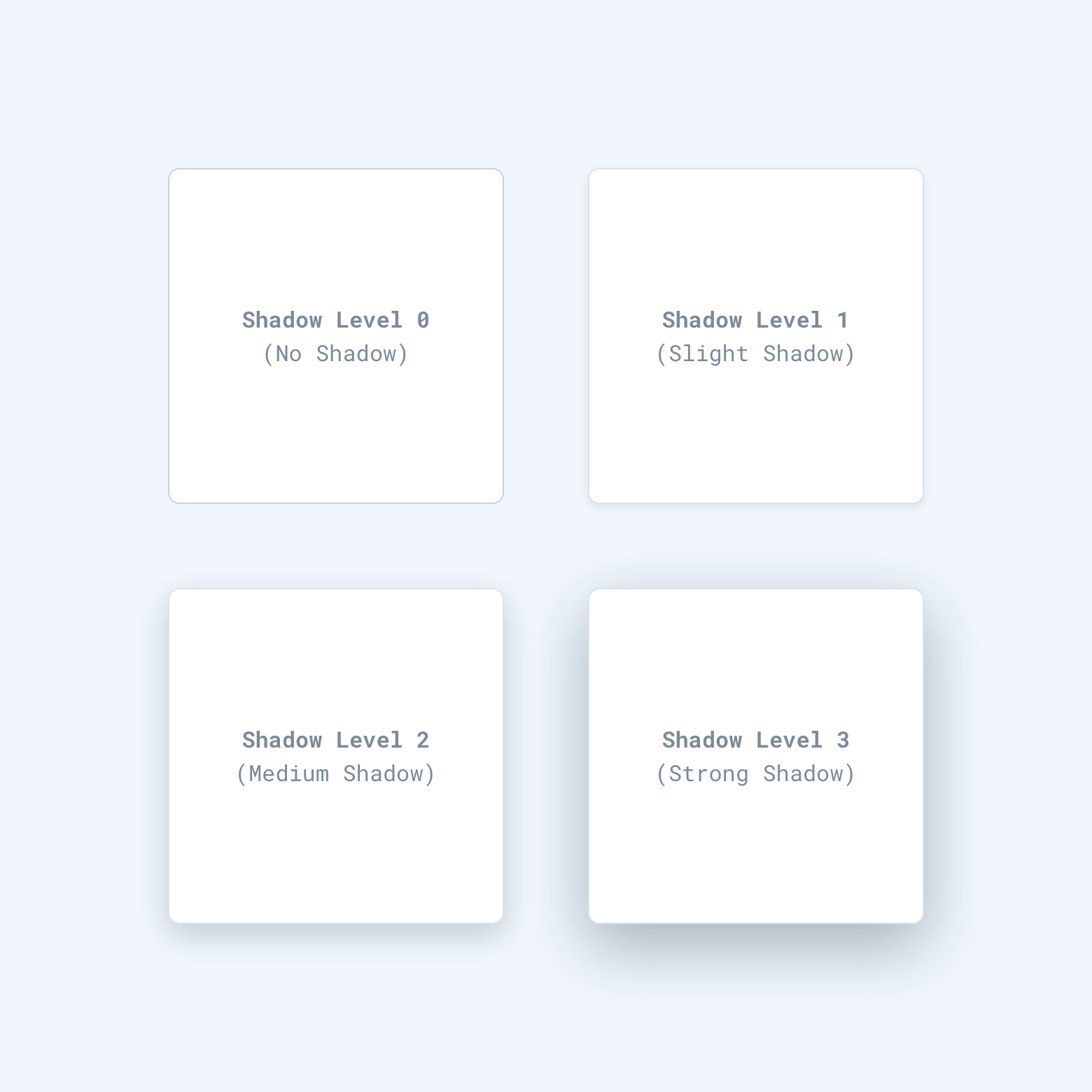
Shadow Level 0 — No Shadow
Elements which are a static part of the layout have no shadow.
Examples: Boxes, Buttons, Tabs, inline Notifications, static Widgets, static Cards.
Shadow Level 1
Elements that appear in the layout by default but can be moved around within it.
Examples: movable Widgets on Dashboard, Slider knobs, movable Cards in VCE.
Shadow Level 2
Floating elements that have a connection to the layout itself, usually as an extension to a layout item.
Examples: popover lists (Select, Dropdown), floating panels (Color picker, Date-time picker), Tooltips.
Shadow Level 3
Floating elements that are not part of the layout and are fully detached from it.
Examples: Dialogs, Snack Bars, floating Notifications, Steps bar.